CEO Tim Cook had said that Apple was “doubling down” on security to clamp down on leaks coming out of the company. While visions of the then unreleased iPhone 4 danced in my head, Apple suffered two massive leaks in the run up to today’s fall event. The accidental leaking of the HomePod firmware few weeks ago and the golden master iOS 11 build this past weekend really spilled the beans on many of the surprises that Apple had in store of us. While I am saddened that a lot of surprises were spoiled, I’m hoping for some truly delightful hardware and software announcements.
What follows are my first impressions about the new products and software Apple announced today.
Welcome to Apple Park
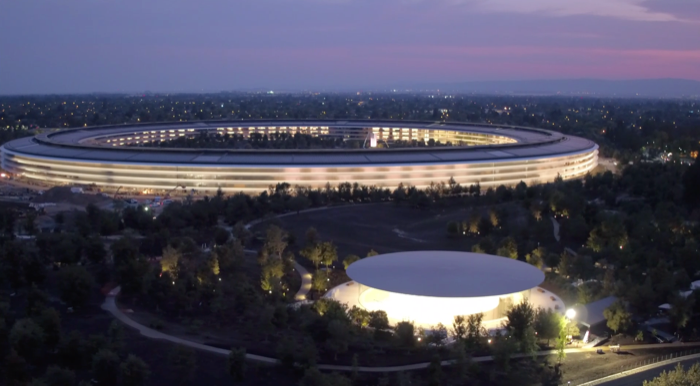
The September 2017 event is the first public event to be held at the new Apple Park campus, and the first time products are being unveiled in the new Steve Jobs Theater. From everything I’ve seen so far of Apple Park, the place looks amazing. (But, I’m not sure I would want to work in those wide open spaces.)
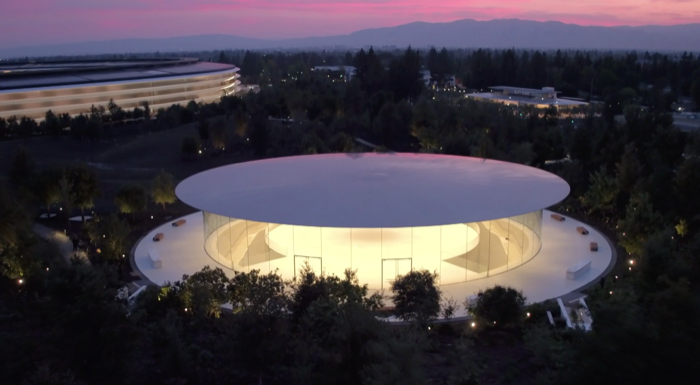
It’s a fitting tribute to Steve that “All You Need is Love” by The Beatles is playing while we get some really impressive shots of the new theater. While the facility is impressive, I find it hard to ignore some of the yellow caution tape and orange cones still visible outside.
As the presentation gets underway, we hear Steve Jobs talking about Apple.
Tim opens up the event by saying: “I love hearing his voice. And this inspiring message.”
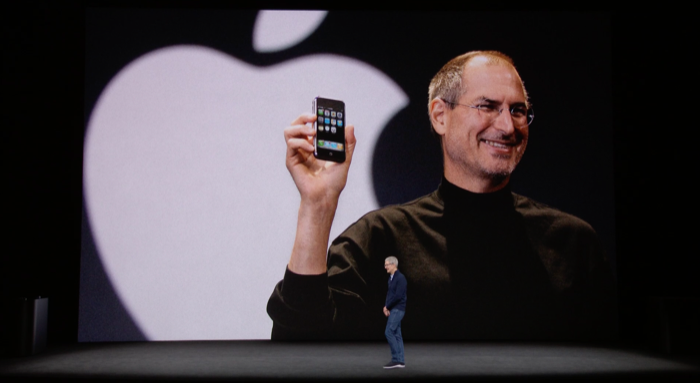
Damn. I really miss that guy.
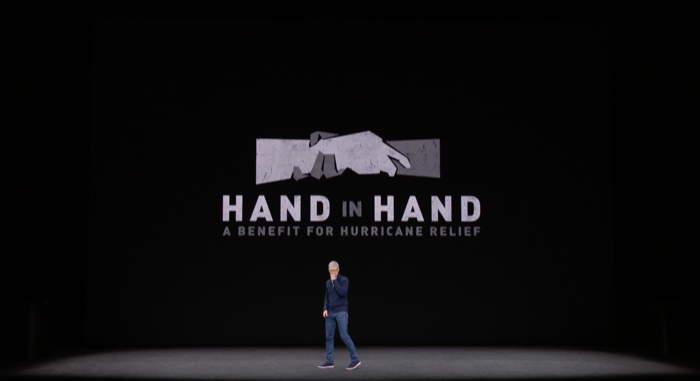
One of the things that I really do appreciate about Tim Cook’s Apple is that even on important days like today, he takes time out to call attention to the people who have been impacted by the devastating storms in recent days. In addition to Apple’s corporate donation to bring people relief, Apple is promoting it’s customers — you and me — to make our own contributions via iTunes. If you haven’t already made your contribution, please, do so now.
Just in case you were wondering, and, let’s face it, I was, Apple Park will have a vistor’s center, opening later this year, with a new retail store. I really, I mean, really need to make a trip to One Infinite Loop and now Apple Park also. This new campus really does look impressive.
Retail Update
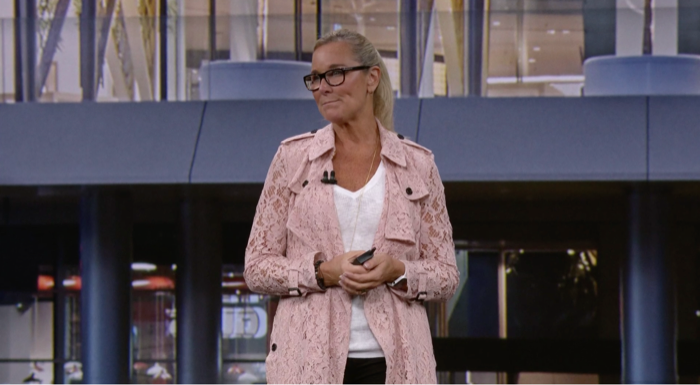
It has been a long time since we last received a retail update. This is also the first time that we have seen Angela Ahrendts on stage. A lot of folks, myself included, have been wondering when we might see her speaking at an Apple event like this.
Ok…uh, I’m not sure I’m “California” enough to call my local Apple retail establishment a “Town Square”. To me, it’s still the Apple Store. Just for the record, I still prefer MacOS, too. Old habits die hard. All of that said, the designs of the new marque stores and even the remodeled shopping mall locations, like the one I visited not that long ago, are really cool places to shop and play with all of the new toys.
One of these days, I should drop in and stick around for a Today at Apple session. They seem cool and a fun way to learn a new trick about using my Apple gear.
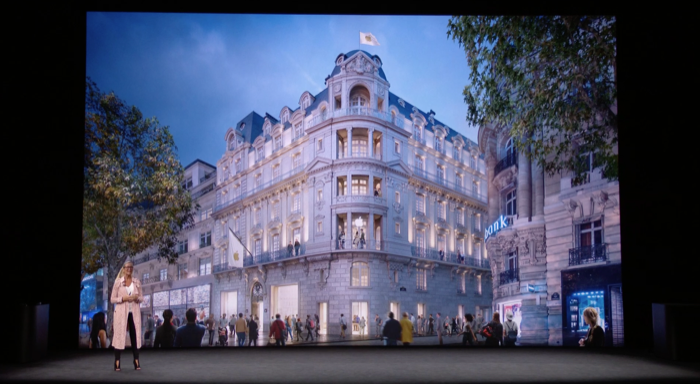
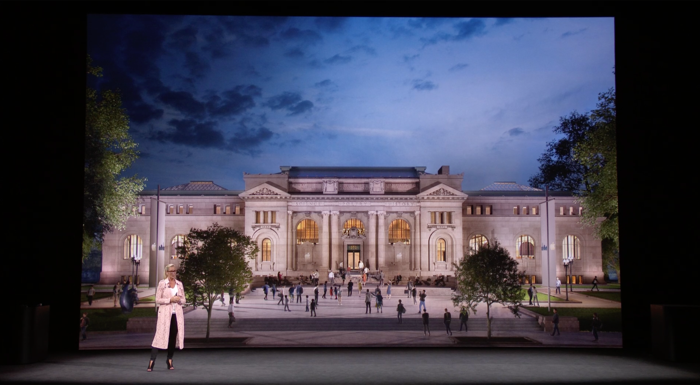
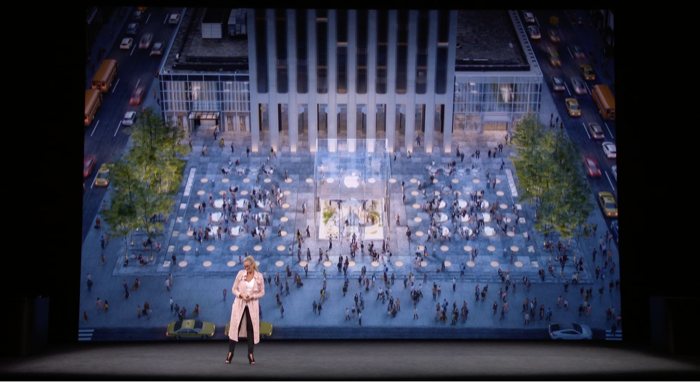
And, I’m happy to hear that the Apple 5th Ave location will get it’s gigantic glass cube back once the space has been fully renovated!
It is just me, or do you thing Apple should do a new coffee table book and wallpaper set of glam shots of their marque stores? I’d love to have these shots on my 5K iMac and MacBook Pro. Ok, I’ll stop now, but I still think that a new coffee table book talking about the history of these places and wallpapers are free ideas for Apple.
Apple Watch Update
Tim’s claim that Apple Watch grew 50% YoY without sales numbers to back it up feels a lot like looking at a Jeff Bezos Amazon Kindle or Alexa growth chart.
Did Tim just say, “This is blow away”? Does Scott Forstall get a royalty for that? Come to think of it, I miss that guy too.
Hey! The Woz is in the building! (Watch the audience pan immediately following the Apple Watch feel good video.)
Jeff Williams takes the stage to give us an update about what’s new in watchOS 4
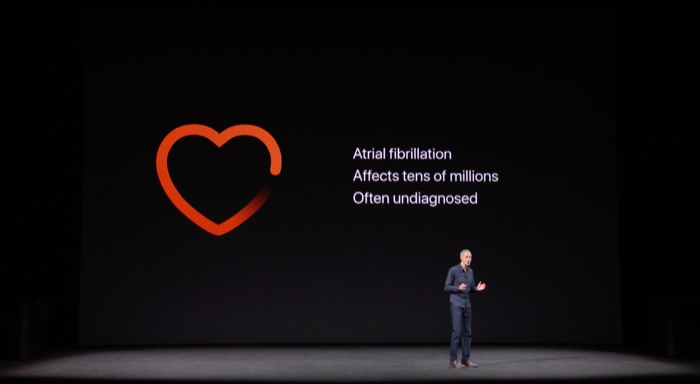
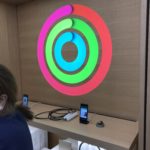
I’m glad to see the new features of the Apple Watch Heart Rate app. The new elevated heart rate warning feature looks like it is the only reason you need to go out and get a new Watch. With the weather getting colder now, I’m not sure how much more walking I’m going to be doing at night, but come this spring, I might have to retire my original Watch and get a new Series 3 Watch.
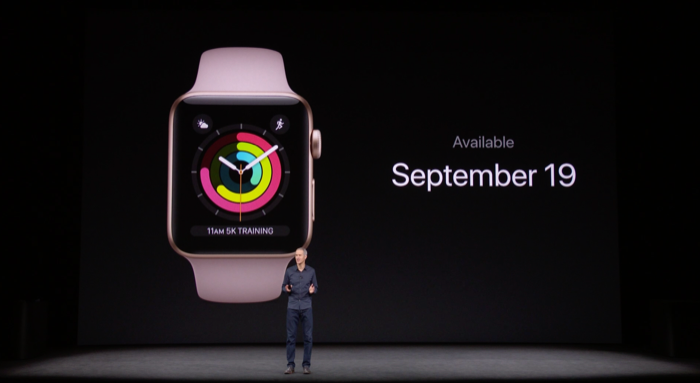
Apple watchOS 4 is a free update for all Apple Watch customers on September 19.
So, now Apple Watch Series 3 has cellular service built-in. I’m sure that there are a lot of people who are excited about this. Me? Not so much so. Call me cheap, but I don’t want to give the carriers a dime more than I absolutely have to. My previous Watch Series 3 comment aside, when I do finally get around to upgrading my Watch, I plan on getting a model without cellular.
It is pretty cool that Apple has apparently worked out a deal with the carriers so that your iPhone and Watch share the same phone number. That should make things easier on the reduced UI of the Watch (compared to that of the iPhone UI). It’s also pretty cool that when your Watch is out of range of your iPhone, the Find My Friends location switches from the phone to the watch.
I’m not a subscriber to Apple Music, or any other streaming service, so the Apple Watch + Cellular + Music Streaming thing is completely lost on me. Might be great for you, and that’s totally fine, but I’m giving it a “m’eh”.
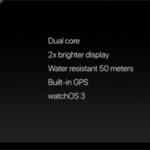
Ok, now we’re getting to the fun stuff. All the new tech that’s crammed inside Watch Series 3. I like the fact that Siri can talk now on Series 3. It’s one of the things I miss about using Siri on my Watch verses all of my other Apple devices with Siri.
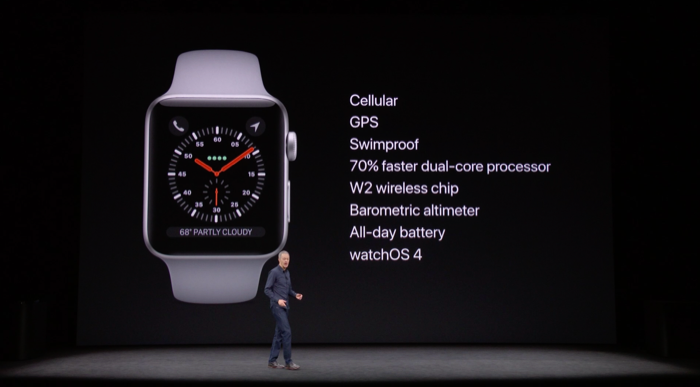
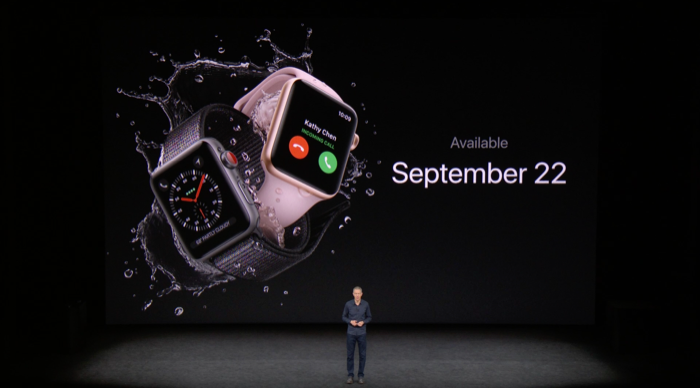
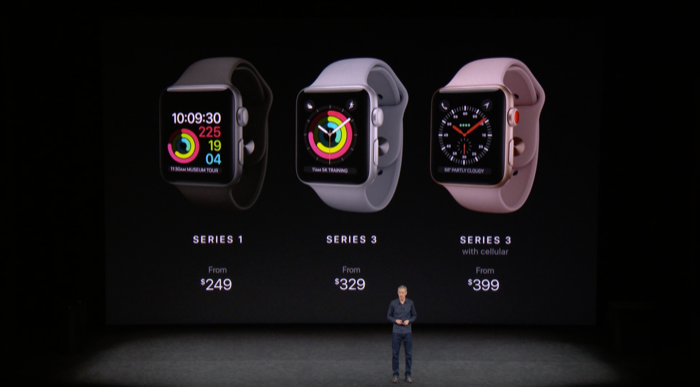
Well, hello there, W2 chip! And, using the display as the antenna for the wireless radios seems like a cool idea…as long as Apple does’t end up telling us that we’re wearing it wrong.
I’m also glad to hear that Series 2 and Series 3 cases are the same size. That means my collection of bands from my original Watch should still be compatible.
Orders for Apple Watch Series 3 will start on September 15 and goes on sale on September 22.
Apple TV Update
Tim talks a little bit about the major milestones in TV technology. Apple TV 4K is the next obvious step. I don’t watch all that much TV and I don’t have a 4K TV. So, while this is a cool announcement, like Apple Watch + cellular + Music, it’s hard for me to get really excited about this.
Eddie Cue comes out to talk about the specifics of the new Apple TV 4K. Coming from a guy who wears Hawaiian shirts to work on Friday, I’m a little disappointed by the tame shirt Eddie is wearing. But, I digress.
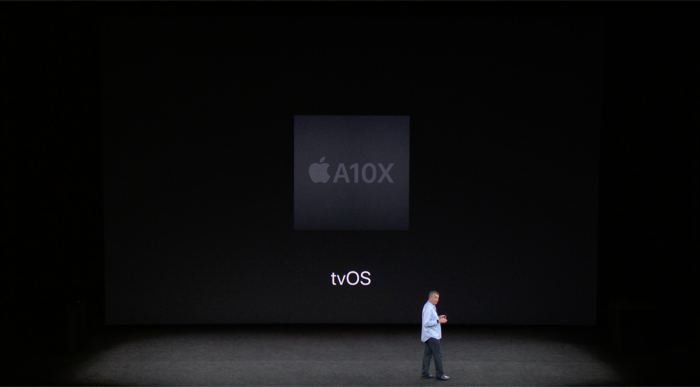
With Apple TV 4K being asked to push all of those HDR pixels around, it’s no wonder why Apple stuffed an iPad Pro A10X Fusion chip in the new Apple TV.
What is cool is that Apple is updating iTunes with 4K movie content as the same price as iTunes HD content. That’s really nice seeing how 4K Blu-ray discs are more expensive than the standard Blu-ray version. 4K content at the same price as HD content on iTunes, I think, will be a driver for people to move from Blu-ray players and discs.


Ok, Eddie, now I’m impressed. Free HD movie upgrades to 4K versions at no additional charge. Honestly, we knew a 4K Apple TV was coming because leaks. I was fully expecting another iTunes Plus moment where people can play the difference between HD and 4K to get the upgrade without having to play full price. It’s nice to see Apple eating the cost on this and not passing it on to customers.
Also I’m glad to hear that the Netflix app, and the it will get here eventually Amazon Prime app will provided 4K steaming support to the Apple TV. Apple needs these two partners providing Apple TV users with 4K content.
Live sports…..Zzzzzz….
I will give you the ThatGameCompany Sky game demo looks pretty cool. I’m still looking for that killer game that will make me use want to play a game on Apple TV rather than my iPad Pro. Sky will be available for Apple TV, iPad, and iPhone this winter.
Apple TV 4K orders start on Friday, September 15 with unit sales starting the following week on September 22.
iPhone Update
Tim is just getting back on stage to talk about iPhone. I just had a terrible thought. Please don’t let Tim pull out “One more thing” to introduce D22, the new, expensive iPhone we all have been talking about for the last year and was confirmed by the HomePod firmware leak.
Tim lays it on pretty thick for the non-Apple nerds by going over the last 10 years of iPhone hardware/software innovations. They have come a long way in the last decade.
Phil Schiller comes out to talk about iPhone 8. Yup, 8, as in skipping right over 7s.
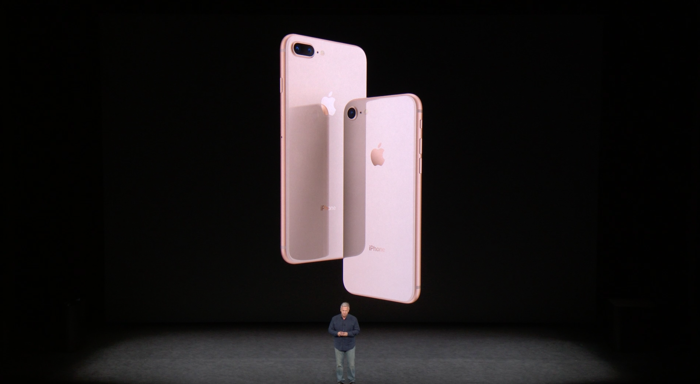
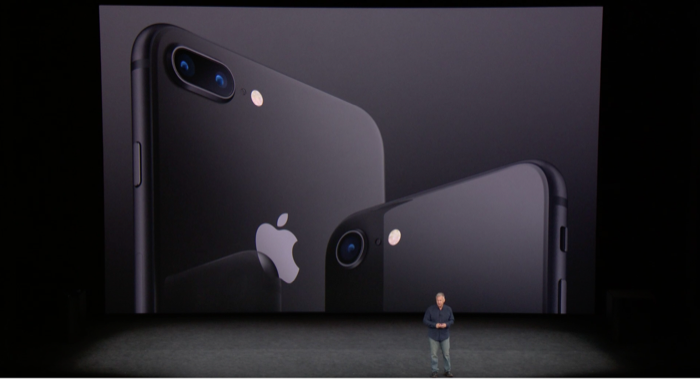
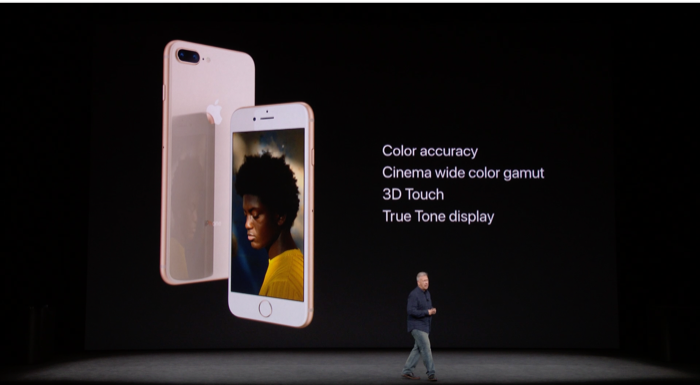
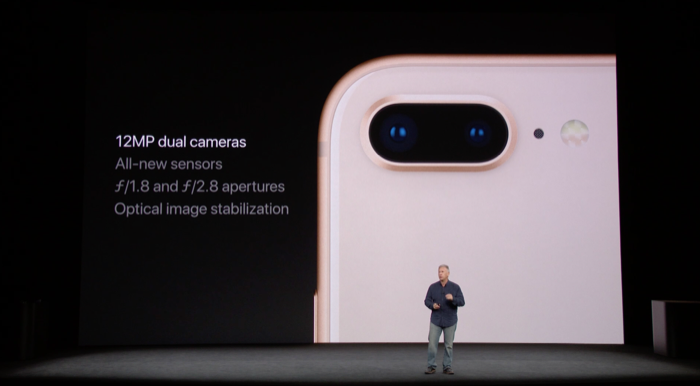
While the new iPhone 8 and iPhone 8 Plus look very similar to the iPhone 6/6s/7 models, the iPhone 8 series sees the return of the glass front and back design last seen on the iPhone 4 and iPhone 4S from 2010 and 2011. My first iPhone was the 4S. I still have it on my desk. It looks like I will have to keep waiting for the return of the squared off sides like the iPhone 4 and 5 series had.
iPhone 8 and iPhone 8 Plus come in three colors this year: Silver, Space Grey, and new Gold finish. The aluminum antenna bands match the front and back plates. I won’t like, I think that they look nice. If I didn’t already know that there is a third iPhone coming this year, I would be ordering a Space Grey iPhone 8 Plus. It looks really nice.
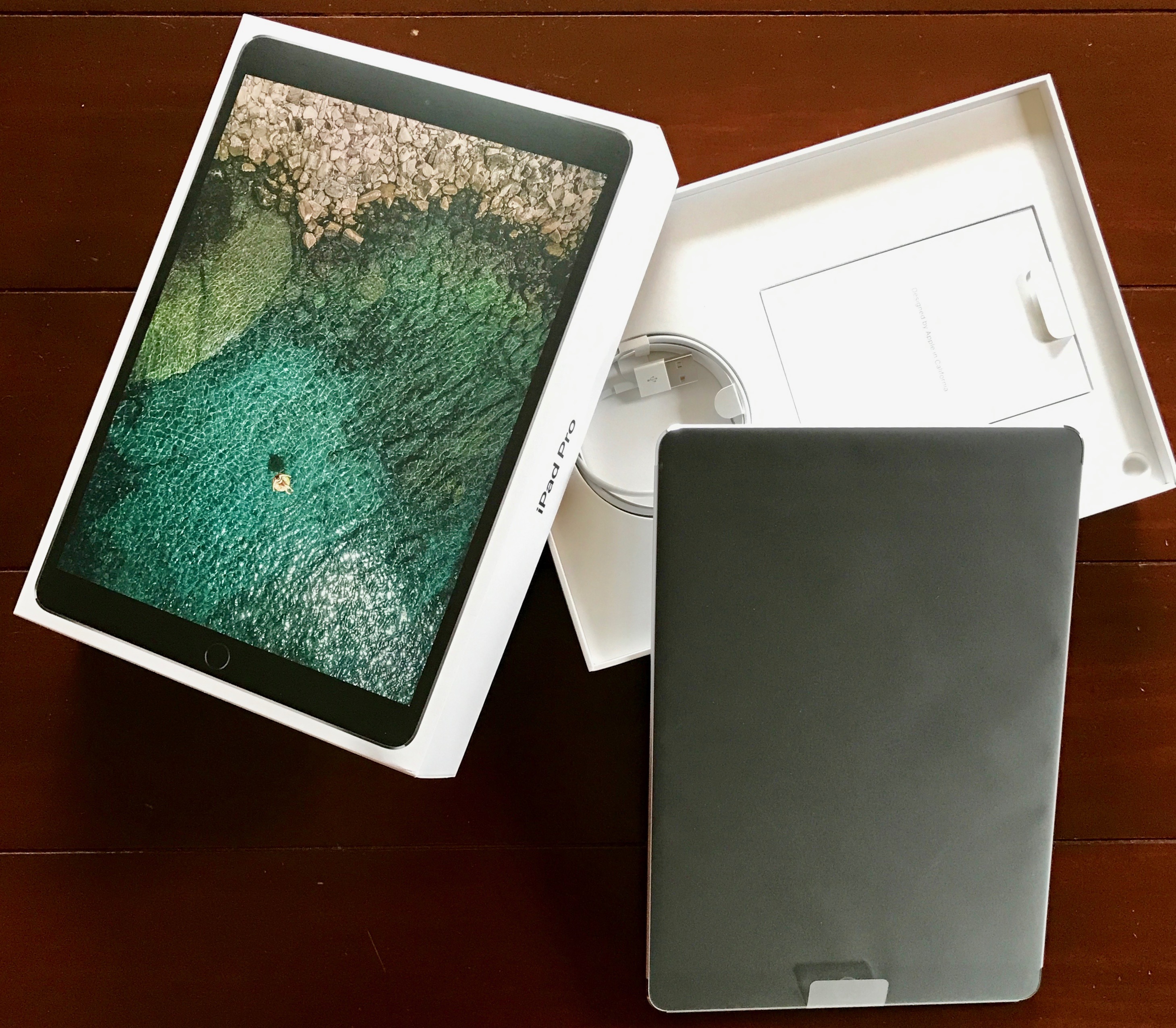
I’m really glad to see True Tone displays coming to the iPhone. After living with the new 10.5″ iPad Pro for a few months, it really does make the display on the iPhone 7-series look inferior.
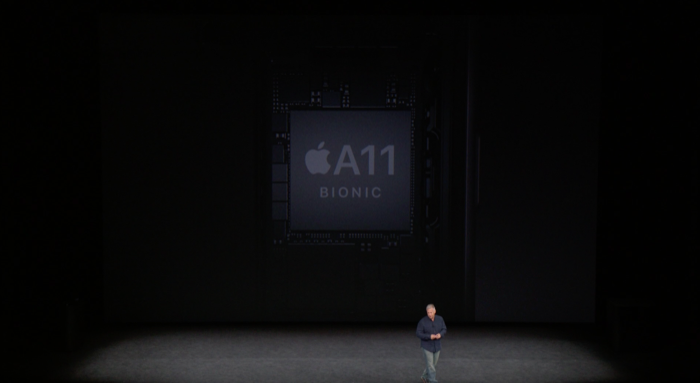
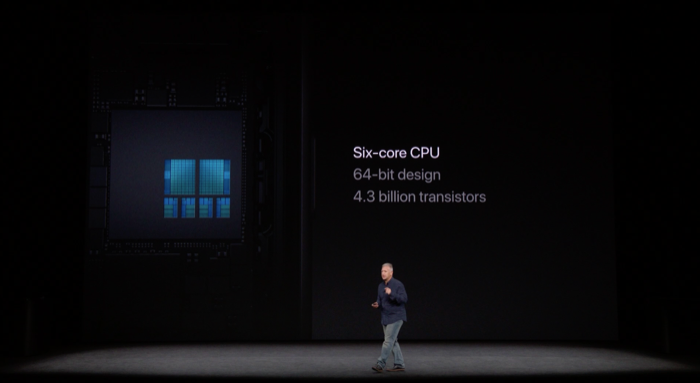
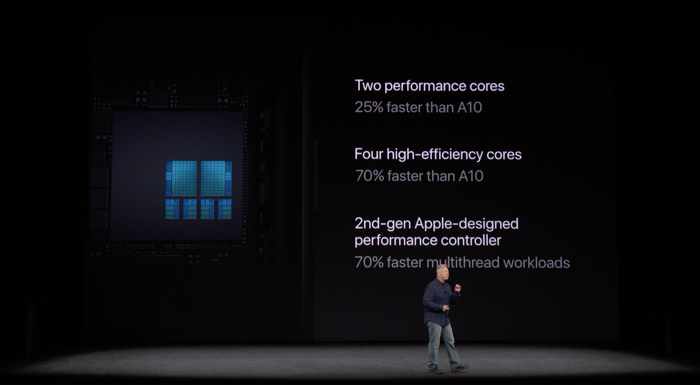
The iPhone 8-series will be the first iPhones to feature the new A11 Bionic chip.
That’s a LOT of horsepower for a pocket computer. Let’s face it, these things stopped being just “phones” a long, long time ago.
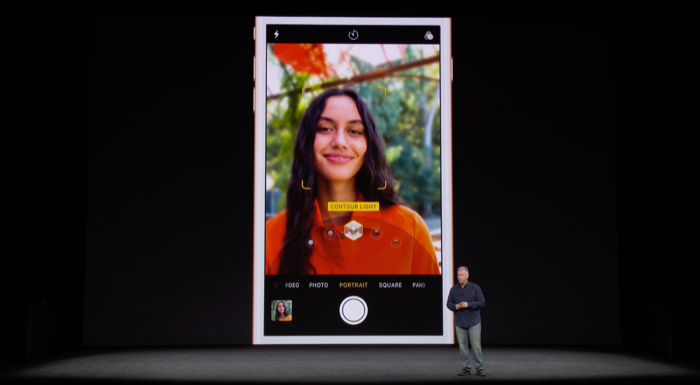
If you care about mobile photography you need to have an iPhone 8 Plus. Hands down. No question. Full stop.
The new advanced lighting AI feature is really cool. Really cool. Available as a beta feature on the iPhone 8 Plus, the Camera app is able to digitally change the lighting in a photo while you are preparing to take the photo. It is also very cool that you can alter the lighting after the photo is taken. Phil was very clear the point out that this is NOT a photo filter system. This is real-time lighting analysis.
What Apple is able to do with the camera hardware and software for shotting photos, high def video, and AR features is amazing. I have no idea how you go about doing this stuff. Its just like magic.
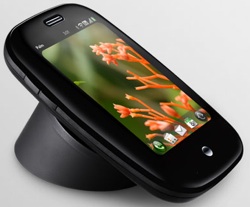
The iPhone 8-series now supports inductive charging!
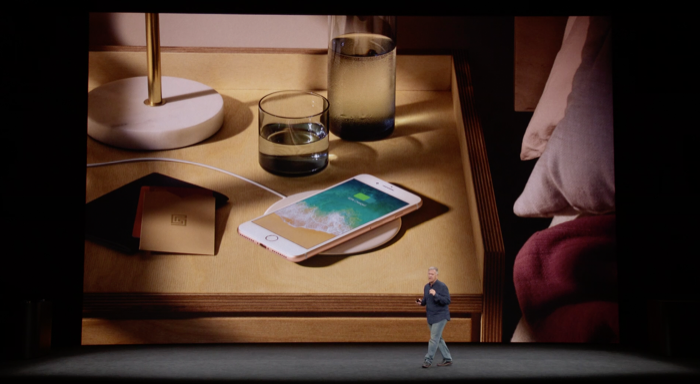
The iPhone 8-series now supports inductive charging! I’ve been waiting for this feature since getting my iPhone 4S back in 2011. Finally.
The wireless charging using in the iPhone 8-series is called Qi. Mophie and Belkin received a glancing reference about their charging pads. there’s no mention of an Apple branded charging pad. Yet.
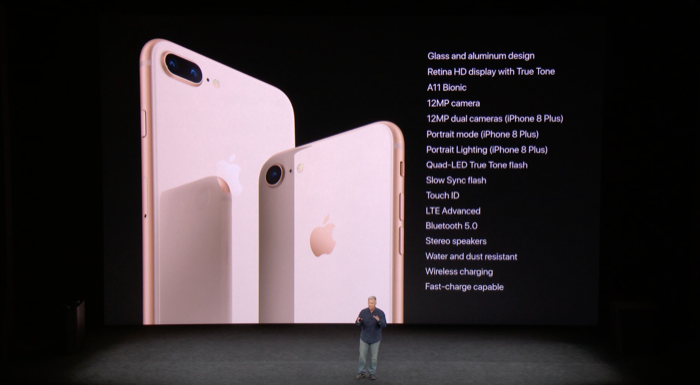
Ok, now it’s time for the rubber to meet the road. Apple is only offering iPhone 8 and iPhone 8 Plus in two storage capacities: 64GB and 256GB. With the iPhone 7 Plus, I went for the middle, 128GB, which is gone now. That’s good news, I think, because my general impression is that people just need more storage on their phones. My wife’s iPhone 6s is perpetually full. The bad news is that the starting prices are going up, up, and away! iPhone 8 will start at $699, while iPhone 8 Plus will start at $799. Ouch!
Pre-orders for iPhone 8-series starts this Friday, September 15, and go on sale on Friday, September 22. iOS 11, which did not get any stage time, will go live for everyone on Tuesday, September 19.
On more thing…
Oh, Tim. I really don’t know how I feel about this. I remember back to Steve’s keynotes and how excited I got. It was like watching a baseball game where the New York Yankees come from way behind in the bottom of the 9th, against the Red Sox, to win the game. Those were awesome. This doesn’t feel awesome to me. Don’t get me wrong. I get what Tim’s going for, given the accolades at the beginning in Steve’s honor, but this misses the mark, I’m afraid.
“We have great respect for these works and we don’t use them lightly.” Ok, at least there’s that.
Please welcome, the iPhone X.
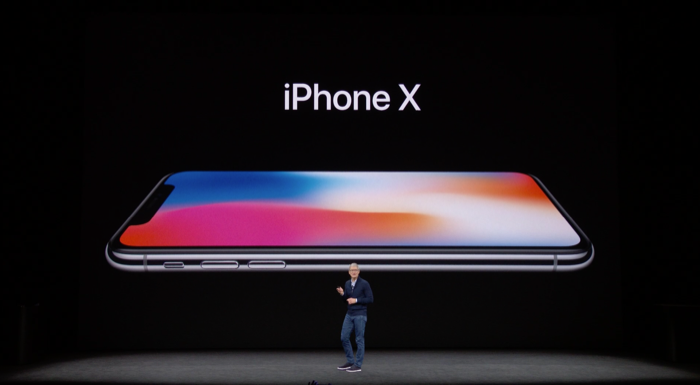
The iPhone X looks cool. I’m glad that it has a new glass back and a stainless steel frame. It looks amazing. I am having a hard time with the name, thou. X. As in 10. Didn’t Mac OS X just get renamed to macOS? Was it because the X was moving from the Mac to the iPhone? I don’t know. X is cooler than 10, but I think iPhone Edition would have made a better name.
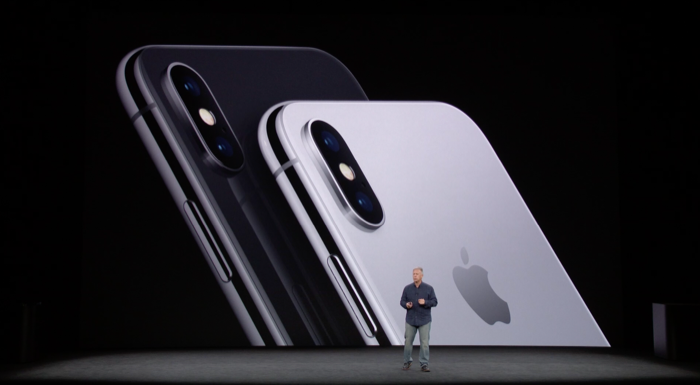


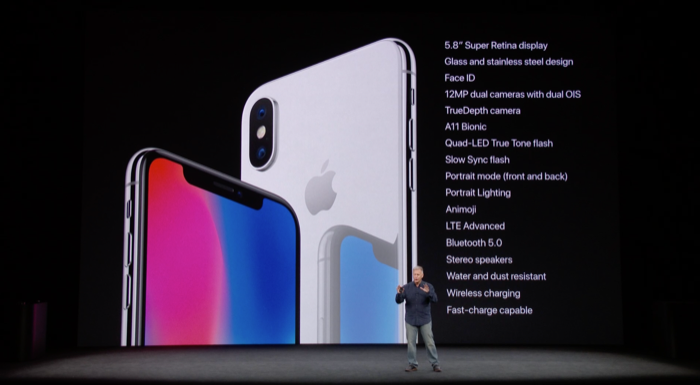
I’m glad that there are only two colors for iPhone X; Space Grey and Silver. I’m not a fan of the Gold/Rose Gold colors. There’s a special place in my heart for (Product) RED devices, and I can see an iPhone X in (Product) RED coming in six months, but for now, yeah, I’m good with Space Grey and Silver. I’m sure that I’ll be ordering the Space Grey model.
iPhone X’s display is call the Super Retina Display, which, of course, brings all the goodies. I am really excited to see this display in person.
Raise to Wake and Tap to Wake are fine features, but I already miss Touch ID and the Home button. That said, I generally like the feel of the new display, notch and all. But the gut reaction is that I would immediately flip the status bar, putting the clock on the right and radio signal and battery indicators on the left.
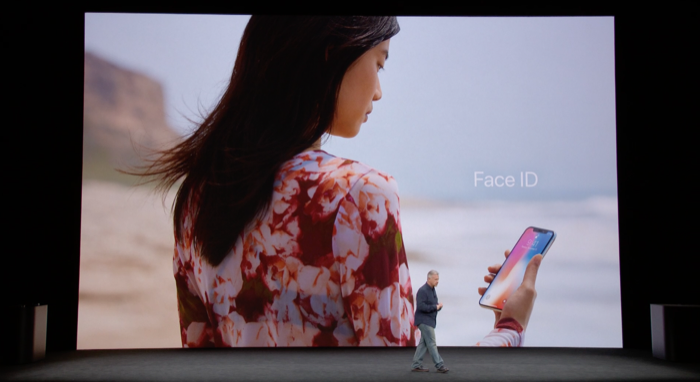
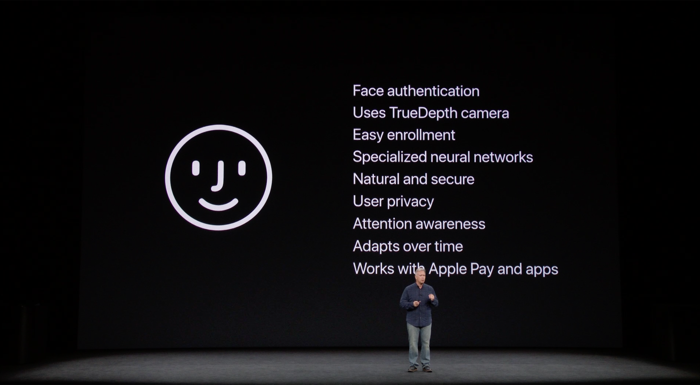
Face ID = Simple. Nature. Effortless. Thank goodness, Phil didn’t say “courageous”.
I’m not smart enough to understand how a neural engine works, but if Face ID is as easy to use as Touch ID was, I don’t care. Neural engine might as well as been synonymous with “frickin’ awesome”.
Phil also says that Face ID can’t be fooled by photos or professional quality masks. That’s a shot at Samsung. Apple has clearly done their homework with all of the hardware they put into this iPhone. Time will tell if Face ID is any easier to crack than Touch ID or Samsung’s thing, but I’m willing to give Apple the benefit of the doubt here. This looks really cool and I can’t wait to get my hands on iPhone X.
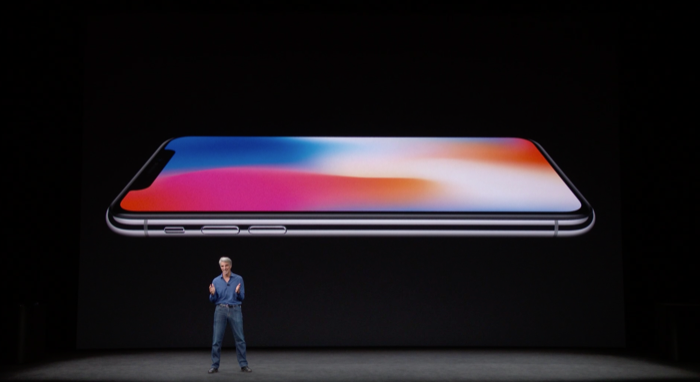
C Fed is on stage to demo iOS 11 running on iPhone X!!
Face ID for unlock looks like it is going to be fine. Even when paying for groceries with Apple Pay. The new swipe gestures, I think are going to take some getting used to, after all, we are talking about 10 years of muscle memory, but I think after a few days, it will be fine too.
Cool! Portrait Mode selfies!!
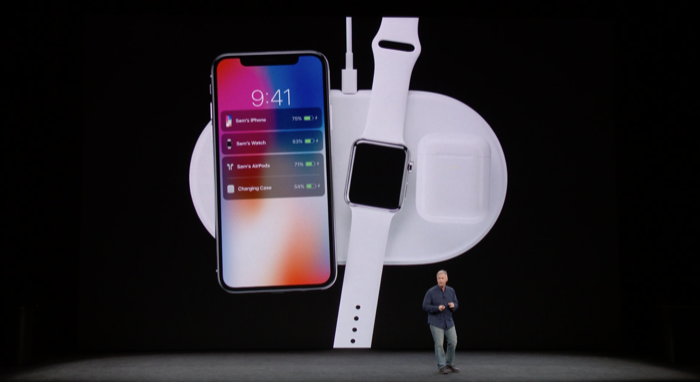
Yeah, my kids don’t need an education. (I’m kidding.) I have all new accessories to buy on top of the crazy expensive iPhone X. AirPower really does look super coo!. #Need. It is going to be a long wait for AirPower to come out “next year.” On the plus side, I don’t have to buy another AirPod charging case now. So there’s that.
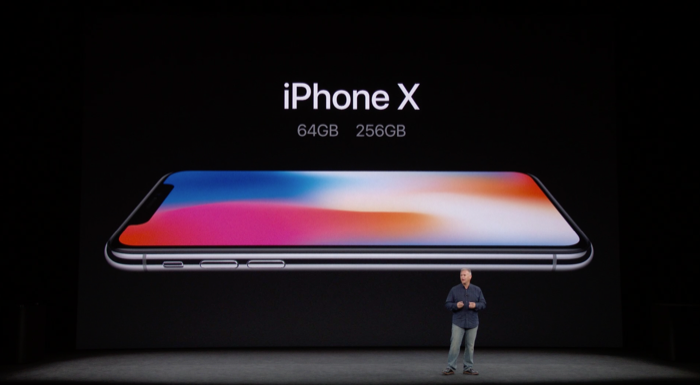
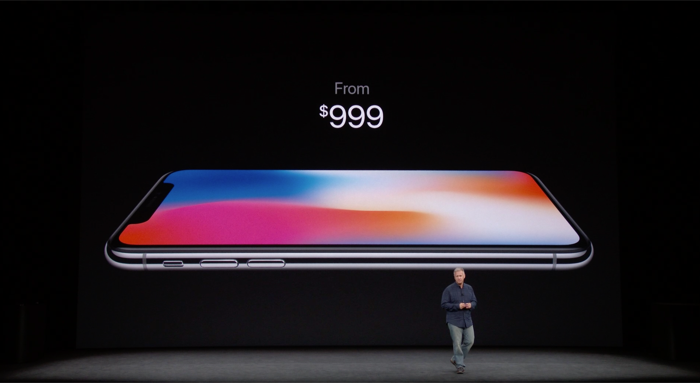
Ouch!
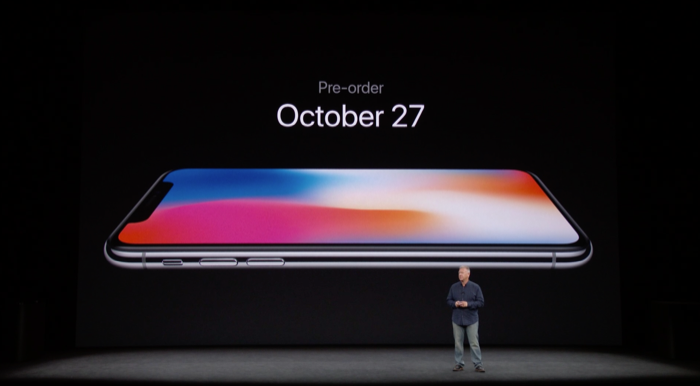
Pre-order for iPhone X is October 27 – wha? Over a month away. If I had Animoji now, there might be a soft serve frownie face here.
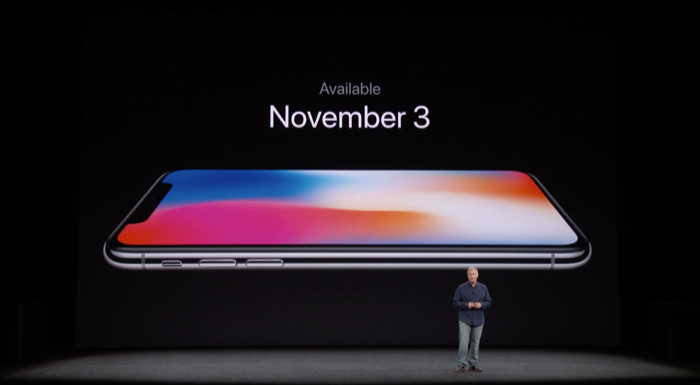
Ouch again. But I’ve already taken that day off from work.
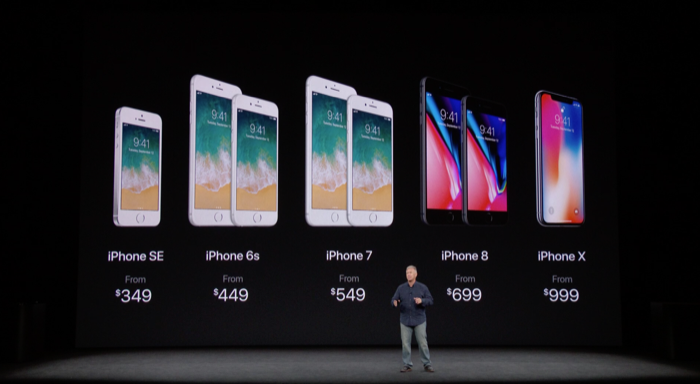
Here’s the 2017 fall iPhone line up. Obviously, I want all of this stuff “yesterday”. It’s going to be a long, drawn out wait for November 3 to arrive.
Overall, I thought this was a good event and I’m looking at getting my hands on these new toys in the months ahead.