
May the new year be filled with peace, prosperity, and all the best for you and your family!
The written musings of a long-time Apple //e and Macintosh tech nerd. Opinions are my own.
May the new year be filled with peace, prosperity, and all the best for you and your family!
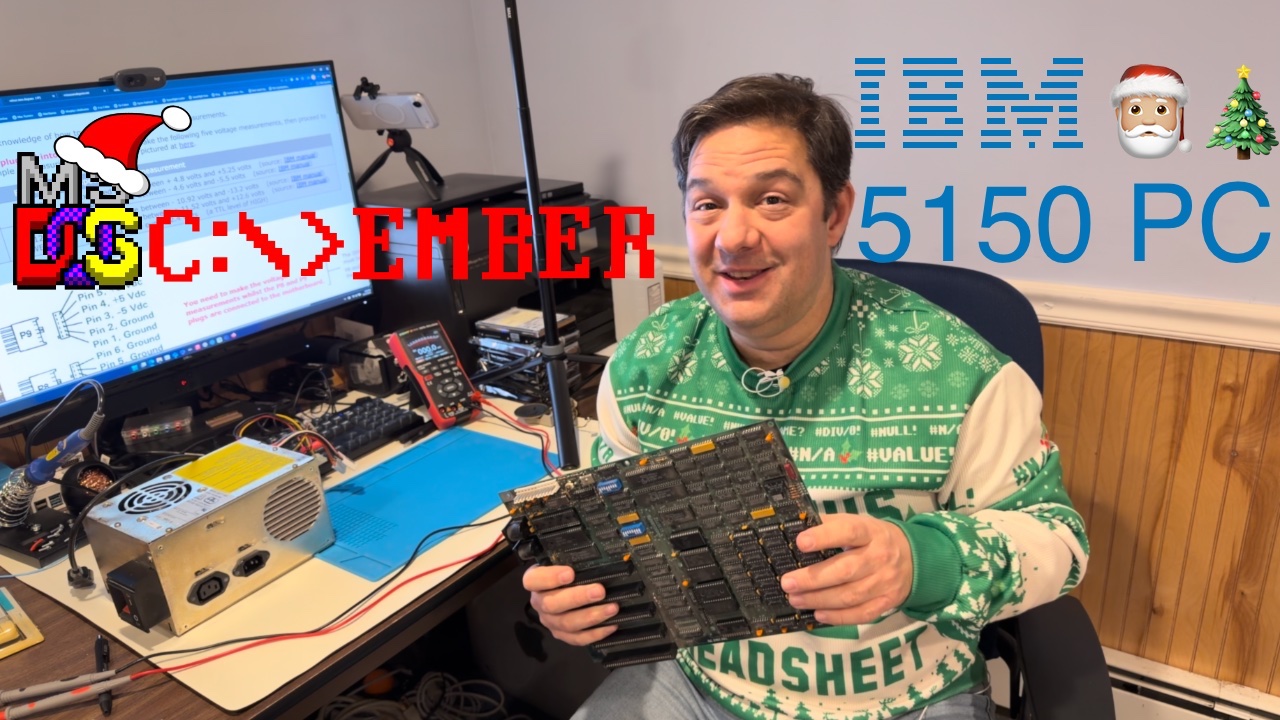
This year for #DOScember, an annual vintage computing event that takes place in December to celebrate all things related to MS-DOS era computing, this old “Apple guy” took a dive into the first desktop PC, the IBM 5150. The IBM 5150 was released in 1982 and has become the root for all the PC clones that followed after.
I wanted to get to know more about how this PC worked, and to learn how to troubleshoot and restore one to working condition. After purchashing one from eBay back in June, I got to work on testing my “as-is” digital treasure.
As DOScember comes to a close, I can say it has been an interesting ride. I have started to learn how the Intel 8088 CPU works to get the PC booted up, how to use a multimeter and osilliscope, configurign and troubleshooting the 5150 motherboard, and a tiny bit about reading integrated circuit (IC) datasheets and electrical schematics.
For example, using my Zoyi ZT-702S, I have been able to confirm that original power supply form 1985 is working as expected and that my AMD 8088 CPU does appear to be working. As a result, I’m more confidnet using this tool and not blowing up the house with an old cranky power supply.
On this final day of DOScember 2025, my IBM PC still isn’t booting, but with the help from the awesome people in the vintage retro computing community, I feel that I’m close to finding the fault that is keeping the it from booting up. It’s only a matter of time now.
I plan on contiuing to work on restoring my IBM 5150 even after DOScember ends in the background and eventually posting a follow up video of the machine being repaired and booting.
Until then, enjoy this DOScember 2025 recap playlist on YouTube!

Wishing everyone a very Merry Christmas and Happy Holidays! No matter how you celebrate, I hope you have a good one!
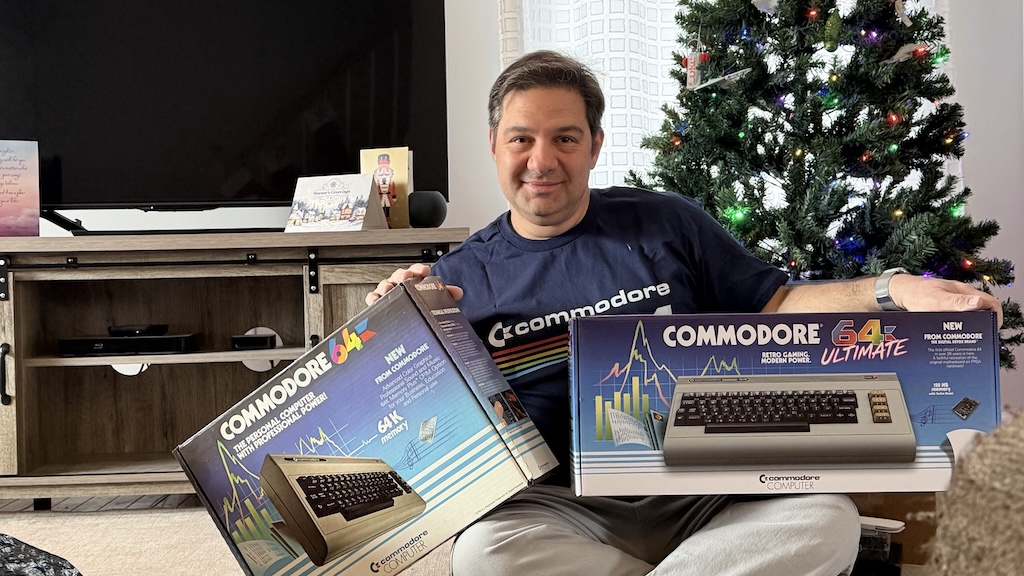
Wishing you a very Merry Commodore Christmas from Retro-ville!
Earlier this year, I rescued a 1990 Macintosh Classic compact Mac. I had found it on Facebook Marketplace for $30.
In 2025, all Mac Classic computers have leaky electrolytic capacitors and potentially an exploded PRAM battery. Not great. I knew there was at least a chance to salvage this Mac because the listing showed the compact Mac running.
Once I got it home, and cracked open the case, I discovered that the caps had in fact been leaking and that the PRAM battery had leaked. Thankfully, all was not lost. This little guy could still be saved.
I purchased some replacement cap kits and got to work on recapping my Mac. It was my first attempt at performing electronics repair on a computer. Overall things went well for a first attempt, but as you will see in this video, not everything went to plan.
Look for Part 4 of this Mac recapping job in January 2026 where I will attempt do board level repairs and install replacement capacitors.

With so much going on in our communities, our country, and around the world, it is easy to get lost in the noise. My prayer for all of you is that you can able to connect with family and friends and enjoy today as a way to reconnect and take stock in the good things that we have been given. Keep the faith. Fight the good fight. All is well in the end.

Earlier this month, Apple held their annual September event to introduce new iPhones, new Apple Watch, and AirPods Pro 3.
In short, the prerecorded event was used to introduce the iPhone 17, iPhone 17 Pro, iPhone 17 Pro Max, both in mind breaking Cosmic Orange, Apple Watch SE 3, Series 11, and Ultra 3. Apple also introduced AirPods Pro 3, with improved Active Noise Cancellation and, in a first for AirPods Pro, a workout heart rate sensor.
Other products that were rumored, such as a new Apple TV box, MacBook Pro laptops, and AirTags 2, will have to wait for another chance in the limelight. There’s aways October.
What Did I End Up Buying?
This year, I got a little carried away with a pre-order extravaganza.
Going into the event, I was looking for just about any excuse to replace my old Bluetooth Palm Buds Pro ear buds. (Yes, that Palm, but in name only.) The plan was to retire the Palm buds and cycle down my AirPods Pro 1 ear buds to be my at the office ear buds for listening to music from my iPhone. While watching the Apple video, I paused it and placed the pre-order for engraved AirPods Pro 3. My AirPods Pro 1 buds will work nicely at the office. Back to the video.
Apple Watch was up next. Watch SE 3 is a nice upgrade for people who wanted to get into the Apple Watch without spending too much money. I like the big screen and the large battery on Apple Watch Ultra 3, but my weekly pickleball games hardly need the kind of protection that a thick chunky watch like Ultra 3 provides. But, if I’m being honest, I just don’t love the look of the Ultra. If Tim or John gave me one, sure, I’d use it, but I can’t see myself buying one with the raised ledge and digital crown guard.
Apple Watch Series 11 is where it’s at. Available in aluminum and titanium again this year, I went to go with a “Sport” silver aluminum Series 11 upgrade from my Series 10. (Remember the Sport, Watch, and Edition monikers?) It’s a small spec bump to be sure, but with a trade in and a fresh battery, it seemed worth it. Also, through the power of watches’ 26 running on a Watch Series 9, 10, 11 or an Ultra 2 or 3, the FDA has approved a hypertension (aka high blood pressure) warning algorithm. Apple Watch can’t diagnose high blood pressure, but it can warn you if, after 30 days of readings, that you might want to follow up with a doctor for further review. Apple Watch. The device that will save your life. That’s a pretty great marketing subtext. At the end of the segment, I paused the video again and placed a Watch Series 11 pre-order with a trade in for an in-store pickup on launch day. Back to the video.
But the main attraction for the September event is the new iPhones. This year, Apple unveiled iPhone 17, iPhone 17 Pro and Pro Max, and the ultra-thin iPhone Air. The iPhone 17 is a great all-around iPhone. Most people and corporate purchasing departments should buy this iPhone by default. If you want the absolute thinnest and lightest iPhone, the iPhone Air is for you. If you are an iPhone power user, iPhone 17 Pro and Pro Max are for you. In what I can only describe as an amazing twist of fate, the iPhone 17 Pro and Pro Max are available in Cosmic Orange (!!), Deep Blue, and Silver. Black, Gold, and Rose Gold are on hiatus this year. As are all of variants of Grey. I’m not sure what happened in Cupertino, but someone scored a major victory and snuck colorful paint jobs past Tim Cook for the Pro models! Pro models should come in fun colors like the no adjective iPhone line.
Let’s face it, I was always going to get the new Pro Max model because I want to have the best possible camera with an optical zoom with me at all times. But this year, there are some really nice upgrades. The Pro Max comes with an all-new unibody design, just like MacBook Pro laptops. There is an all-new front facing Center Stage selfie camera, improved rear facing 48MP Pro Fusion camera system with 8x optical zoom. You can get a quick rundown of the models and their features on the iPhone Compare page.
Wrap Up
Apple unveiled some really nice upgrades for anyone who plans on getting new gear this year. Most people don’t, and shouldn’t, upgrade their iPhone every year like I do. To be fair, I don’t upgrade my Macs or iPad every year. But you only get to go around once in this life, and I want to make sure that I have the very best everyday camera system with me to capture the moments that my family and I will hopefully cherish for many years to come, so I upgrade ever year.
Here’s what on my shopping list this year:
*iPhone 17 Pro Max in Deep Blue
*Apple Watch Series 11 Silver Aluminum
*AirPods Pro 3
*Apple Clear Case with MagSafe
*Nomad Traditional Leather Case
*Nomad Leather Mag Wallet with Find My Tracking
Earlier this year, I purchased a Mac Classic from a seller on Facebook Marketplace for $30. The Mac Classic was my first Mac. Released in 1990, the Classic was essentally a Mac SE with a reworked system board. It was a good Mac to get my start on having come from an Apple IIgs.
All good Mac Classics go bad, and unfortunately, this one is no exception!
Let’s find out how much trouble I’m really in and the spare parts that I’ve spend the last month purchasing.
Mac Classic Repair Series
On August 12, 1981, IBM entered the Personal Computer (PC) market with the launch of the IBM PC Model 5150. Not to be confused with IBM’s 5100 microcomputer, the PC Model 5150 was powered by the Intel 8088 CPU, and becoming the basis for all of the x86 PC compatible computers that came after it. As and enduring testament to the 5150’s influence on the technology landscape, PCs x86 PCs, powered by Intel and AMD CPUs are direct descendants of IBM’s first PC.
My first experience with the IBM PC was in the mid-1980s. Somewhere between 1985 and 1987, my parents bought a PC to help run their small business. In that same time period, I had already been introduced to the Apple IIe in the spring of 1984, gotten my first computer, the Apple II+ clone the V-Tech Laser 3000, and was learning how the guts of my second hand Apple IIe worked. The Apple IIe and the IBM 5150 looked very different on the outside, but both used command line interfaces, 5.25″ floppy disks, and clicky-clacky keyboards. I also remember, but the details are a bit fuzzy, my parents PC being upgraded at least once they had it. I clearly remember a RAM expansion card being installed and learning how to install the business specific software on a hard drive. This is where things get fuzzy, I don’t recall if they upgraded the parts inside or upgraded to the similarly styled IBM Model 5160. Regardless, the important thing was that the password to install the insurance illustration software was “apple” and I’m taking full credit for having guessed “Apple is awesome”. But, I digress, so back to the IBM 5150.
Unlike other business computers, IBM changed its approach to build a home machine that could compete with offerings from Apple, Commodore, and Tandy. To keep costs down, and get a product to market sooner, Ron Mion, a Senior Business Trends Advisor, recommended that the 5150 be built with commodity off the shelf parts and license and existing operating system. Rather than designing everything from scratch, IBM chose to purchase existing parts from vendors and make sure that their PC could run Digital Research’s CM/P operating system as well as Microsoft’s MS-DOS.
Back in July 1981, Byte Magazine Editor in Chief, Chris Morgan, wrote of the rumored specifications of IBM’s unannounced entrant into the home computing market. “The computer (code-named “Chess”) looks like IBM’s low-cost ASCII terminal[.] The keyboard, designed as a separate module, has received high marks from people who have tested it. The computer uses and Intel 8088 microprocessor (a 16-bit processor with an 8-bit data bus)[.] There are five slots on the motherboard – à la Apple II – to accommodate additional interface, memory, and peripheral boards.” The more things change, the more they stay the same, and that includes computer rumors too.
Phil Lemmons was handed the first impressions assignment for Byte Magazine for the October 1981 issue. The base configuration of the Model 5150 came with the PC chassis, which held inside the Intel 8088 CPU, 16KB of user RAM, a 40KB ROM loaded with the Microsoft BASIC programming language, a speaker, a power on self-test, a combination video card and printer controller card, and empty space for up to two full height 160kb floppy drives that could be added later. The base configuration started at $1,565. The $3,005 option, the one most people would want to get, upgraded the RAM to 64kb and added a single floppy drive. If you wanted to go large, adding the second 160kb full height floppy drive, a color graphics adapter (CGA) and an IBM-badged Epson MX-80 dot matrix printer raised the price tag to $4,500. The 11.5″ IBM monochrome monitor was an extra $345.

You always remember your first love, and for me, that is the Apple IIe. The IBM Model 5150 PC was interesting to me, and the keyboard felt great to type on, but I was consumed with learning as much as I could about the Apple’s computers. Several years later, when I got to high school, I needed to learn house to use a Radio Shack Tandy 1000XT computer. It ran MS-DOS 3.3. By that time, I was using the Apple IIgs, with it’s graphical interface running on GS/OS, but I also learned how to use the ProDOS operating system. This gave me the foundation to learn MS-DOS 3.3 and how PCs worked in general. By the early 1990s, when MS-DOS 6 and Windows for Workgroups 3.11 came around, getting the hang of PCs wasn’t all that different. Still, the look, the feel, and the sounds of my parent’s first PC never really left me. And so, when I saw one come up for sale on eBay, I bought one to add to my growing collection of vintage machines.
So that brings us to today. I wanted to take on some new projects that would force me to learn how to solder and restore vintage computers like the Model 5150 and get it back into working order. Other hobbyist and tinkers are still developing new hardware and software that makes it possible to upgrade and extend the capabilities of that the 5150’s designers have ever imagined. And that is what keeps this hobby fun and interesting.
Wishing everyone a very Merry Christmas and Happy Holidays! No matter how you celebrate, I hope you have a good one!
May your Thanksgiving be full of peace, love, and joy!
The year ending this past September has been a very difficult time for me. I am thankful for my family and friends who helped me get through it. I am so grateful for all of you. And pickleball! Who knew I’d be any good at a sport?! I didn’t! And it has become a great way to get out of the house, socialize, relieve stress, and exercise.