• doscember,  ibm,  ms-dos,  retro computing,  vintage

    DOScember 2025: IBM 5150 PC Restoration Series Playlist

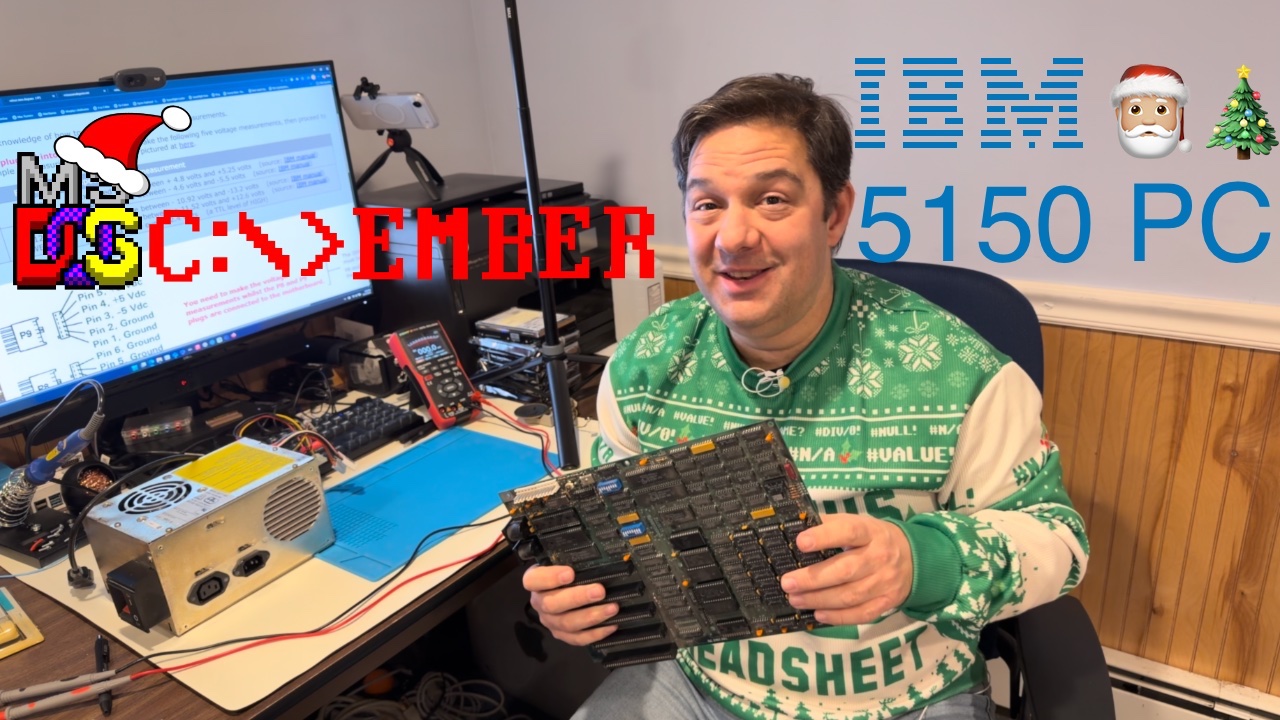
    This year for #DOScember, an annual vintage computing event that takes place in December to celebrate all things related to MS-DOS era computing, this old “Apple guy” took a dive into the first desktop PC, the IBM 5150. The IBM 5150 was released in 1982 and has become the root for all the PC clones that followed after.

    I wanted to get to know more about how this PC worked, and to learn how to troubleshoot and restore one to working condition. After purchashing one from eBay back in June, I got to work on testing my “as-is” digital treasure.

    As DOScember comes to a close, I can say it has been an interesting ride. I have started to learn how the Intel 8088 CPU works to get the PC booted up, how to use a multimeter and osilliscope, configurign and troubleshooting the 5150 motherboard, and a tiny bit about reading integrated circuit (IC) datasheets and electrical schematics.

    For example, using my Zoyi ZT-702S, I have been able to confirm that original power supply form 1985 is working as expected and that my AMD 8088 CPU does appear to be working. As a result, I’m more confidnet using this tool and not blowing up the house with an old cranky power supply.

    On this final day of DOScember 2025, my IBM PC still isn’t booting, but with the help from the awesome people in the vintage retro computing community, I feel that I’m close to finding the fault that is keeping the it from booting up. It’s only a matter of time now.

    I plan on contiuing to work on restoring my IBM 5150 even after DOScember ends in the background and eventually posting a follow up video of the machine being repaired and booting.

    Until then, enjoy this DOScember 2025 recap playlist on YouTube!

  • games,  ms-dos,  vintage,  vmware,  windows

    Creating Image Files for Use with Virtual Machines

    This weekend, I started a small project to install some old DOS and Windows 95-family games into virtual machines (VMs) that I have running in VMware Fusion (VMware Workstation on Windows PCs).

    Trying to get old MS-DOS games, like Quake and Tie Fighter working have proven to be particularly difficult as I have long forgotten the art of configuring drivers in autoexec.bat and confg.sys.

    To help, I have found two tools that have been useful in this weekend’s hacking effort to get the games loaded and relearn what was forgotten.

    The first is Apple’s own Disk Utility. Disk Utility can be used for a number of things on macOS, but it can be used to bundle up the contents of a folder into a floppy disk .img file. Apple has a really good step-by-step KB support article on how to make disk images.

    I wasn’t having much success in using Disk Utility to create CD and DVD .iso files. So, rather than waste many hours on troubleshooting, I chose to download InfraRecorder for Windows and load it into a Windows 10 Insider VM. The free software can be downloaded from Ninite.com – a site the provides safe utility software for Windows PCs without all of the malware, bloatware, adware…you get the idea.

    Finally, if you are looking for some old boot disks or OS installers, WinWorld has a full library of software that should have what you are looking for. For me, I needed that Windows 98 Second Edition floppy to get the oakcdrom.sys file since my original floppy went missing over a decade ago.